
From Single-Shot Prompting to Recursive Prompt Control
AI systems researcher and practitioner
- prompt engineering
- recursive prompting
- AI methodology
- LLM

People get disappointed by LLMs for a simple reason. They use them like Google, or like a coworker they can hand a vague task to. Then they are surprised when the result is wrong, vague, or unusable.
That surprise comes from the wrong comparison.
Search engines retrieve sources. Databases return records. LLMs generate text.
An LLM produces possibilities. If you do not tell it what matters, it has to guess.
Look at a single prompt like "make a presentation about X." You have asked the model to decide the goal, the audience, the length, the level of detail, what goes on slides versus what belongs in speaker notes, and what style to use. That is not one task. It is a workflow.
You would not give a human that request and expect a good result on the first pass. You would clarify, review a draft, adjust the angle, and refine.
When people say LLMs are unreliable, they often mean they gave the model an underspecified task and expected it to read their mind.
That is not a flaw in the model. It is a mismatch in how the interaction is set up.
I work in AI adoption. I help teams integrate LLMs and other AI and machine learning tools into daily work. I see the same failure pattern across roles. People are not failing because they are careless. They are failing because they are using the wrong interaction model.
I wanted to understand why my own results were more consistent. I tend to work in explicit steps with clear constraints. That habit comes from how I think as an autistic person, where making things explicit is necessary for me to work well. I keep iterating until the output is usable. I also make my reasoning visible instead of keeping it in my head.
When I applied that habit to LLMs, the results improved. So I measured it.
I analyzed my own LLM conversations. I broke them into repeatable interaction moves, tracked how those moves combined, and scored which combinations produced usable output. Clear patterns showed up. Certain sequences worked better because the work was staged.
This post is the first in a series based on that analysis, combined with established best practices. I call the approach Recursive Prompting.
Recursive prompting is not a prompt library. It is a way to steer the model over time.
Why Single-Shot Prompting Keeps Disappointing You
Many prompts ask the model to do too much at once. They expect it to decide what matters, choose an angle, organize the material, and polish the final output.
The result often sounds reasonable but stays generic. When it fails, it can sound confident and still be wrong.
This is a control problem.
A request like "make a presentation about X" hides dozens of decisions. You would clarify length, audience, purpose, style rules, and what belongs on slides versus what belongs in narration. For an important deck, you would also separate roles: content, data, design, and delivery.
A single-shot prompt forces the model to guess those priorities. It will guess differently than you would.
Recursive prompting fixes this by turning one overloaded request into a short sequence of smaller requests that you can steer.
What to Expect from This Post
You will learn an interaction pattern that separates exploration, selection, and refinement into clear steps. This applies to writing, planning, learning, and decisions.
You will see the same task fail as a single prompt and succeed when you run those steps in order.
This is not prompt engineering. Good prompts and reusable templates still matter. This is cognitive scaffolding for working with LLMs. It helps you decide what to ask, when to ask it, and how to respond to what you get back so you can produce reliable, high-quality output.
The Baseline: How Most People Prompt
Most people start with a single request:
Write a short presentation for our leadership team about AI adoption in the company.
This is a completely reasonable thing to ask. You have a task. You named the audience. You gave a topic.
But look at what the model now has to guess.
It has to decide what "short" means. It has to infer what the leadership team cares about. It has to choose whether this is persuasive, informational, or strategic. It has to decide what belongs on slides versus what belongs in narration. It has to pick a tone, a structure, and a level of detail.
None of those decisions are wrong to leave open. But all of them matter.
When the output is acceptable, it is usually because the model guessed close enough to what you wanted. When it is disappointing, it is often because it made reasonable assumptions that simply were not yours.
That is why the result is often fine but not useful.
It reads smoothly. It sounds professional. But it does not line up with the outcome you had in mind.
This is not a bad prompt. It is an overloaded one. It collapses exploration, judgment, structure, and refinement into a single step and asks the model to resolve all of that on its own. The problem is not the wording. The problem is that you have asked the model to make decisions you have not yet made explicitly.
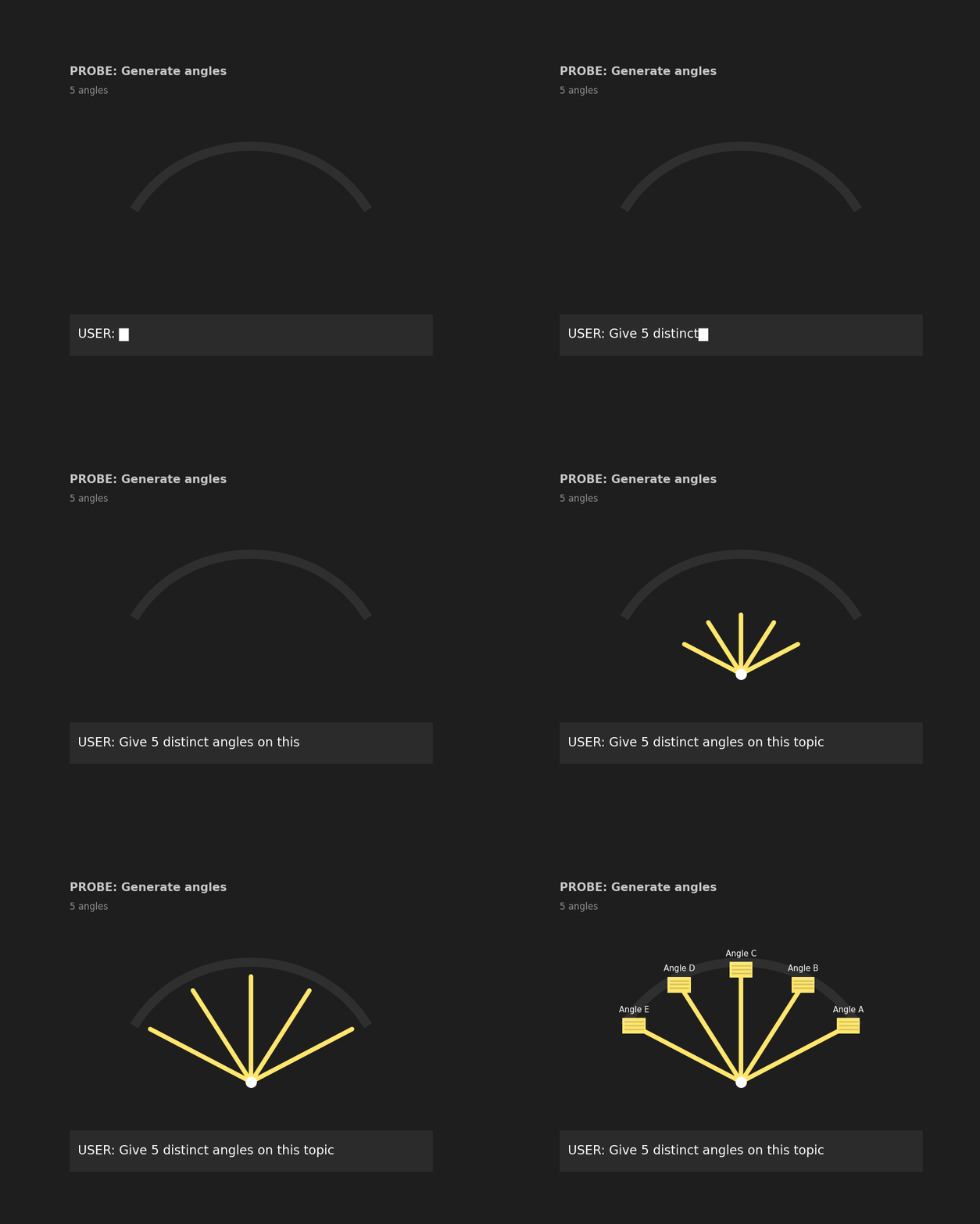
Probe (Separate Exploration from Commitment)
Probe is the move that prevents early commitment. Its job is simple: it shows you possible directions before you invest time in the wrong one.
If you only learn one recursive move, learn this one.
Probe creates a pause between having a task and producing an output.
What Probe actually means
Probing is deliberate exploration without commitment.
When you probe, you are not asking the model to decide, write, or optimize. You are asking it to show you what options exist. You want to see the shape of the solution space before choosing a direction.
That distinction matters.
Most people skip probing. They move straight from "I have a task" to "give me the result." When they do, the model has to make choices silently, without knowing what you care about.
Probe makes those choices visible.
Probe example
Give 5 angles, each with a 1-sentence promise and intended audience.
This prompt looks simple. It is doing more work than it appears.
"Give 5 angles" — You are asking for multiple framings, not answers. An angle might be a perspective, a framing, a goal, or a narrative hook. The term is intentionally loose. It keeps the model in exploration mode instead of solution mode. The number matters. Too few options limit comparison. Too many make evaluation harder. Five is enough to surface real differences without overwhelming you.
"each with a 1-sentence promise" — This constraint keeps exploration cheap. A promise forces the model to state what each angle delivers. One sentence prevents early elaboration. All options stay comparable, which makes trade-offs easier to see. Without this limit, probing turns into partial drafts. That defeats the purpose.
"and intended audience" — This is what makes the probe useful instead of generic. Naming the audience surfaces hidden assumptions, shows who each angle is actually for, and exposes mismatches early. Many beginners assume their problem is output quality. In practice, it is often audience mismatch. Probe reveals that before you spend time refining the wrong direction.
At the end of this step, you should not have content you want to keep. You should have clarity about which direction is promising and which ones are not.
Scope Tighten (Make the Choice Explicit)
Once you have explored the options, the next move is to choose one and ignore the rest.
This is where control enters the process.
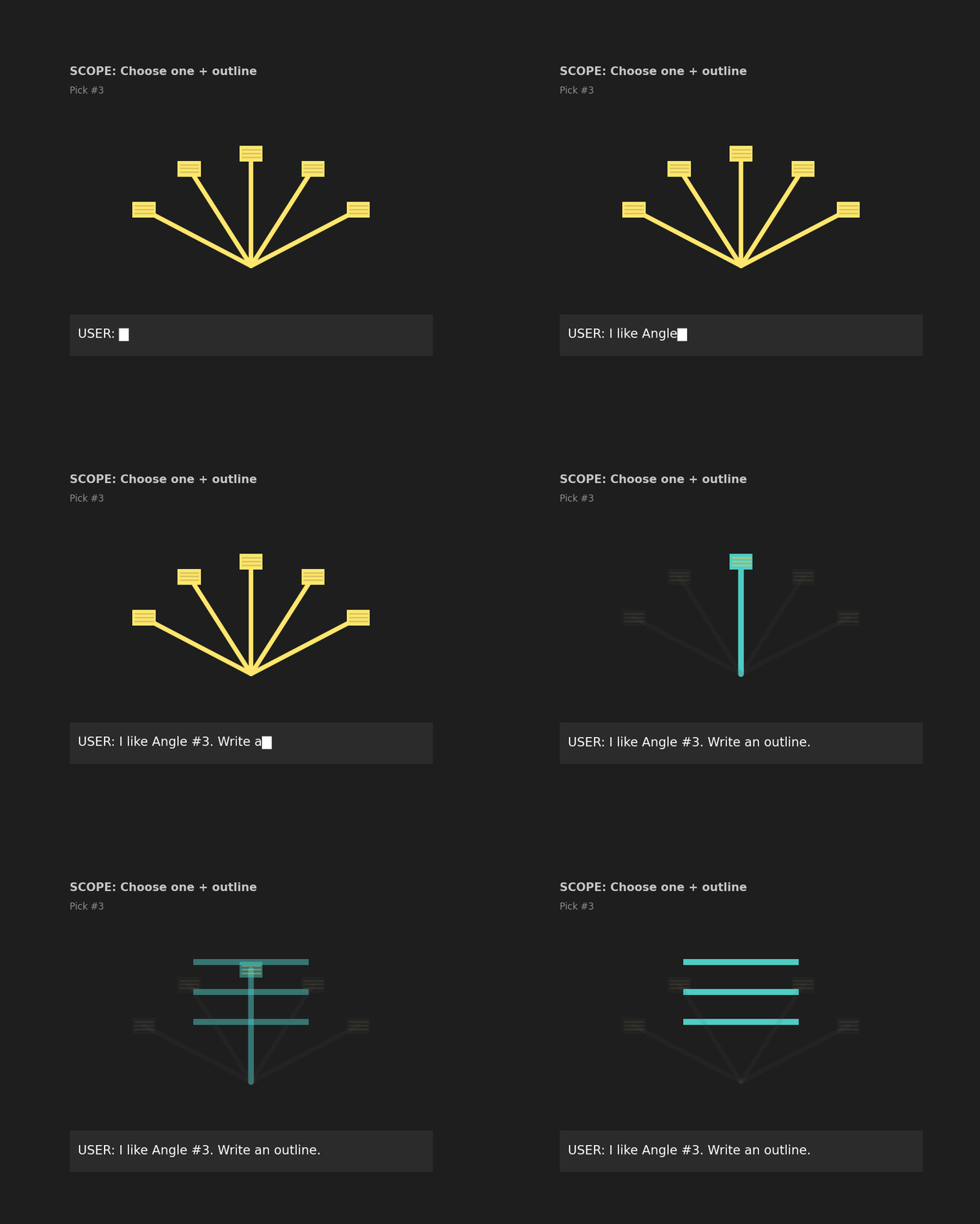
Scope tightening is the act of making that choice explicit. You are no longer asking the model to explore. You are telling it what to focus on and what to exclude.
Pick angle #__ and write only the outline with headings and bullets. Exclude everything else.
What scope tightening is doing
First, it commits to a direction. By selecting a specific angle, you stop the model from blending multiple approaches together.
Second, it defines what not to generate. "Exclude everything else" is not decorative language. It prevents the model from being helpful in directions you have already decided to ignore.
Third, it separates structure from prose. Asking for an outline instead of full text keeps the work cheap. You can evaluate direction and structure without spending time refining sentences you may throw away.
At this stage, you are not trying to get a finished result. You are checking whether the chosen direction holds up when it is structured.
If the outline is wrong, you change the angle and try again. If it looks right, you move on.
Scope tightening turns exploration into a decision you can inspect and correct before you invest more effort.
Refine (Amplify the Right Thing)
Once the structure is sound, you can move to refinement.
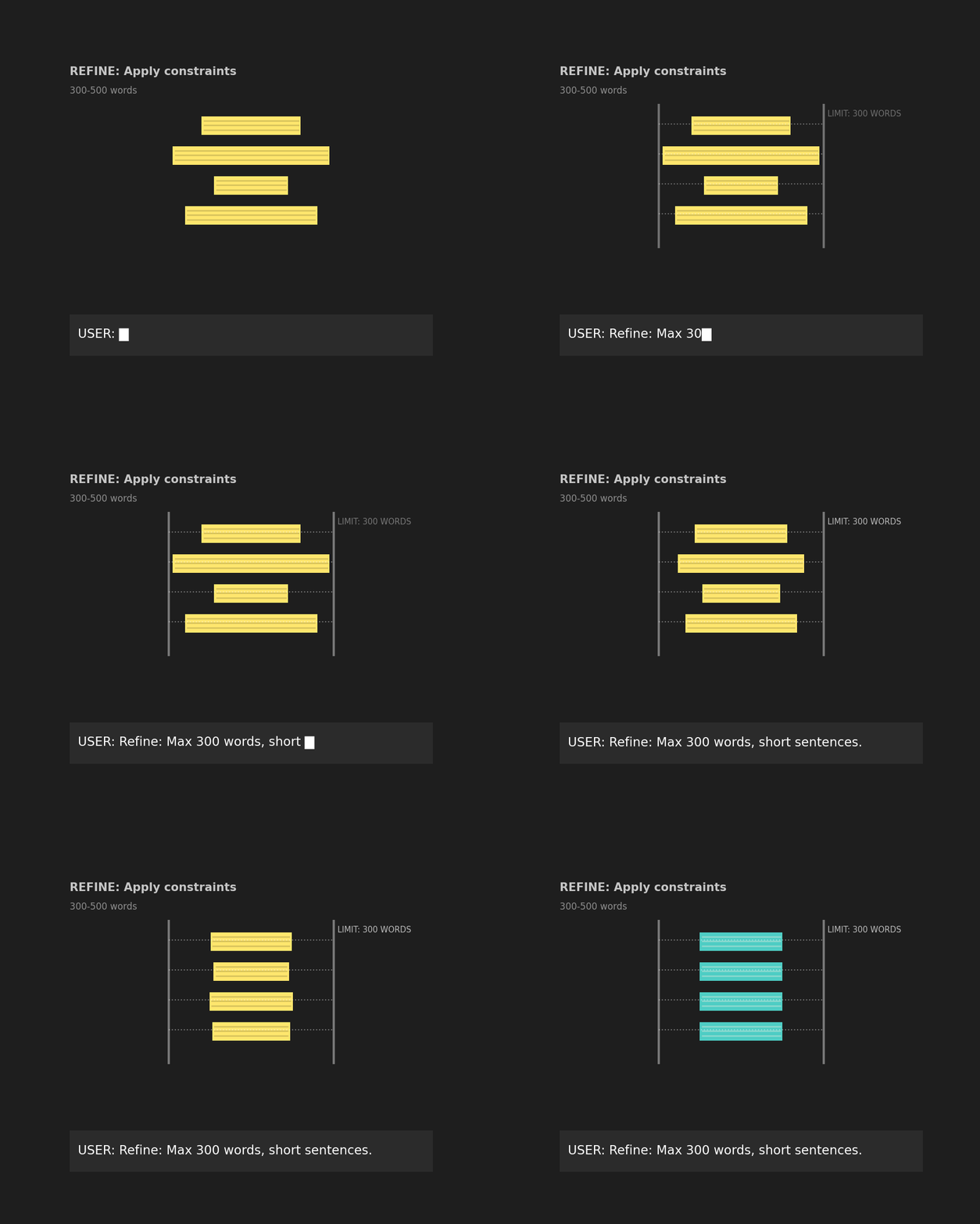
Refinement is not about making something vaguely better. It is about amplifying the right direction under clear constraints.
Rewrite into final copy.
Constraints:
- 300–500 words
- Short sentences
- 5 bullets max
- End with 3 next actions
At this point, the model is no longer deciding what to say. That work has already been done. Refinement tells the model how to say it.
The constraints are doing most of the work here. A word limit forces focus. Short sentences improve clarity. A cap on bullets prevents sprawl. Ending with next actions pushes the output toward usefulness instead of explanation.
Constraints do not reduce quality. They improve it by removing ambiguity. When the model knows the boundaries, it can spend its effort on execution instead of guessing what you want.
Refinement works because it comes last. It takes a direction you have already chosen and sharpens it, instead of polishing something you may not want.
At the end of this step, you should have output that is ready to use or close enough to adjust quickly.
Before vs After (Side-by-Side)
Here is the single-shot prompt we started with:
Write a short presentation for our leadership team about AI adoption in the company.
A typical response to this prompt looks polished at first glance. It often includes a high-level overview of AI adoption, generic benefits and risks, and broad recommendations that could apply almost anywhere.
Nothing is obviously wrong. The problem is that nothing is clearly right.
The model has to guess what the leadership team actually cares about, whether the goal is to inform, persuade, or drive a decision, how technical the content should be, and what belongs on slides versus what belongs in narration. Because those choices are never made explicit, the output spreads itself thin.
What single-shot output looks like:
- Broad, generic framing
- Reasonable tone with unclear priorities
- Structure that looks polished but does not match the goal
- Extra content you did not ask for, and missing content you needed
It often feels close enough to be frustrating. You can see what the model was trying to do, but fixing it means reworking the core decisions.
What recursive output looks like:
- A clear angle aligned with your intent
- Structure that matches the task
- Constraints that are actually respected
- Content that is easier to adjust instead of rewrite
The work feels lighter because the hard decisions were handled earlier.
The key insight: The model did not get smarter. The process did.
Once you stop asking the model to guess and start guiding it through the same steps you would use yourself, the quality improves in a predictable way.
Why This Works
This approach works because it changes how the work is done, not because the model changes.
- You staged the task instead of collapsing it into a single request. Each step had a clear purpose.
- You reduced guessing by making your decisions explicit before asking the model to act.
- You controlled scope early, before spending time polishing something that might not be right.
- You turned prompting into a short sequence you could steer, rather than a one-shot request you had to accept or reject.
Each step removes ambiguity. By the time you reach refinement, the model is executing within boundaries you have already set.
Beginner Use Cases Where This Immediately Pays Off
You can apply the same sequence to many everyday tasks. The pattern stays the same. Only the content changes.
- Writing a work email — Probe for tone and intent, choose one, outline the message, then refine for clarity and brevity.
- Learning a new concept — Probe for different explanations, pick the one that fits your background, structure it, then refine for understanding.
- Planning a presentation — Probe for possible angles, commit to one goal, outline the flow, then refine the final content.
- Revising a resume bullet — Probe for different ways to frame the impact, select the strongest one, structure the point, then refine the wording.
- Making a decision checklist — Probe for decision frames, choose the one that matches your priorities, outline the criteria, then refine into clear yes or no questions.
Once you learn the sequence, you can reuse it anywhere you need clearer thinking or more reliable output.
The Reusable Sequence
You can think of this as a short control loop you can reuse for many tasks.
Baseline → Probe → Scope Tighten → Refine
Baseline — State the task, the audience, and the topic. This establishes context, but it does not resolve decisions.
Probe — Ask for multiple options or framings. The goal is to see what directions are available before committing to one.
Scope Tighten — Choose a single direction and exclude the rest. Ask for structure instead of full content so you can evaluate the choice cheaply.
Refine — Apply clear constraints and produce the final output. At this stage, the model is executing, not deciding.
If you remember only this sequence, you can reconstruct the rest.
How to Practice This in 10 Minutes
You do not need a complex setup to practice this.
- Pick one real task you need to do today.
- Run it through the four steps once.
- Stop after refinement.
Do not optimize. Do not try to make it perfect. The goal is to feel the difference between guessing and steering.
Once you experience that shift, the pattern becomes easier to recognize and reuse.
What to Notice Next Time You Prompt
Pay attention to where things go wrong.
If an output feels vague or off-target, notice whether you asked the model to make decisions you had not made yet. That is usually the source of the problem.
Remember that control is learned. It comes from breaking work into steps you can see, inspect, and adjust. You do not get it by finding the perfect wording.
There are other recursive patterns beyond this one. You do not need them yet. This single sequence is enough to produce better results in most everyday tasks.
The next time you prompt, slow down. Separate exploration from commitment. Make one decision at a time.
Get the methodology, not just the conclusions
Subscribe on Substack
The posts here are the finished argument. Subscribe for the reasoning behind it — the edge cases, the things that didn't fit neatly, and work in progress before it's ready to publish.
Subscribe on Substack →